Powerful YouTube Transcript Generator for Accurate, Clean, and Readable Transcripts
Generate accurate YouTube transcripts in seconds with AISEO — no limits, no watermarks, no waiting.
YouTube Transcript Generator
Get instant AI-powered transcripts of any YouTube video
Try with these popular videos:
Harvard CS50 - Introduction to Computer Science

Steve Jobs Stanford Commencement Speech

Elon Musk Joe Rogan Podcast

Adele - Hello (Official Music Video)
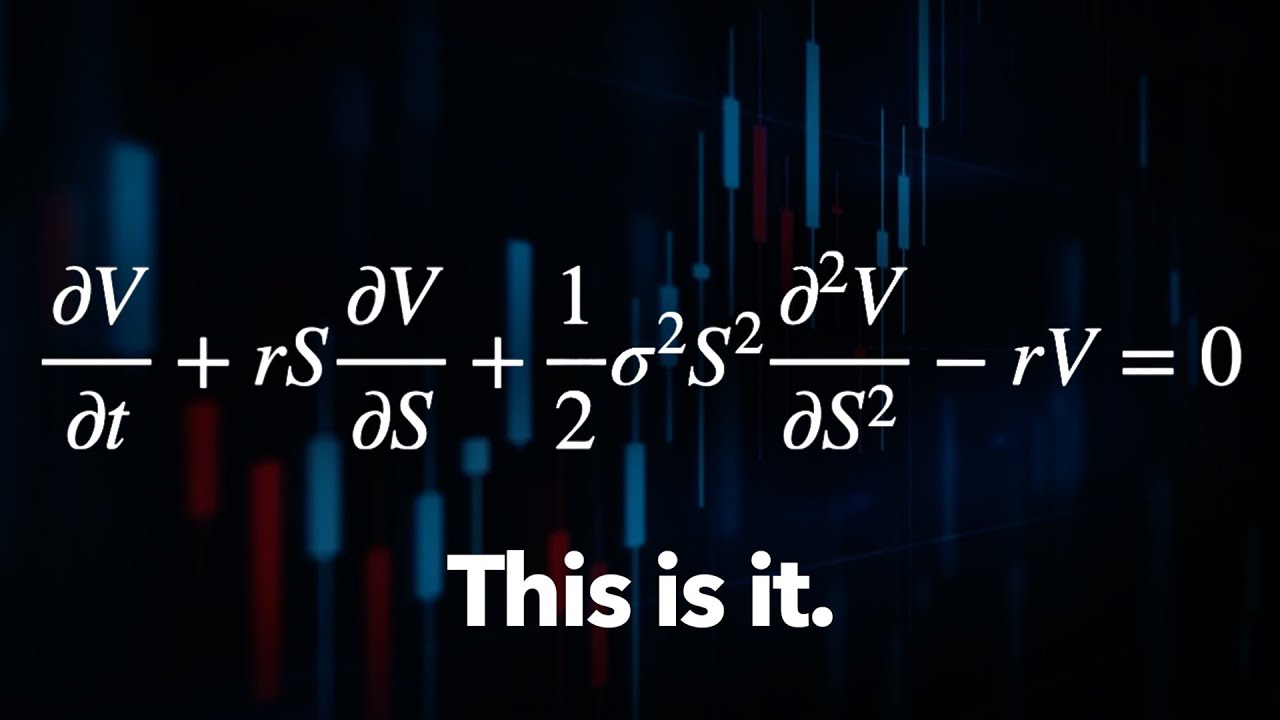
The Trillion Dollar Equation
Explore More AI Tools
Discover our suite of AI-powered tools to boost your productivity
YouTube Summary with ChatGPT
Get instant AI-powered summaries of any YouTube video with key insights and highlights.
YouTubeYouTube Subtitle Downloader
Extract and download subtitles from any YouTube video in multiple formats.
YouTubeYouTube to Text
Convert YouTube videos to text format with AI-powered transcription and summarization.
YouTubeYouTube to Transcript
Generate accurate transcripts from YouTube videos with timestamps.
YouTubeYouTube Transcript Downloader
Download full transcripts from YouTube videos for easy reference and study.
YouTubeYouTube Transcript Generator
Generate transcripts from any YouTube video with AI-powered speech recognition.
YouTubeYouTube Video Summarizer
Get AI-powered summaries of YouTube videos with key points, insights, and highlights.
YouTubeVideo Summarizer
Upload any video and get an AI-powered summary with key points and insights.
Audio & VideoVideo to Text
Convert video files to text with accurate AI transcription.
Audio & VideoPodcast Summarizer
Get concise summaries of podcast episodes with key takeaways.
Audio & VideoSpeech to Text
Convert audio recordings to accurate text transcriptions.
Audio & VideoVoice to Text
Transform voice recordings into written text with AI accuracy.
Audio & VideoVoice Memo to Text
Convert voice memos to text for easy note-taking and reference.
Audio & VideoPaper Summarizer
Summarize academic papers and research documents with AI assistance.
DocumentsBook Summarizer
Get comprehensive summaries of books with key insights and themes.
DocumentsPPT Summarizer
Summarize PowerPoint presentations and extract key information.
DocumentsWord Summarizer
Summarize Word documents and extract important points.
DocumentsImage Summarizer
Analyze and summarize image content with AI-powered visual understanding.
DocumentsImage to Text
Extract text from images using advanced OCR and AI recognition.
DocumentsYouTube Video Downloader
Download YouTube videos easily.
YouTubeYouTube to MP3
Convert YouTube videos to MP3 format.
YouTubeYouTube Description Generator
Craft engaging descriptions for your YouTube videos.
YouTubeYouTube Hashtag Generator
Generate relevant hashtags for your YouTube content.
YouTubeYouTube Username Generator
Create unique usernames for your YouTube channel.
YouTubeYouTube Transcript Generator
Generate transcripts for YouTube videos.
YouTubeYouTube Thumbnail Downloader
Download YouTube thumbnails for your videos.
YouTubeYouTube Shorts Downloader
Download YouTube Shorts videos.
YouTubeTransitional Hooks
Go viral with transitional hooks.
Audio & VideoVideo Downloader
Download videos from multiple platforms.
Audio & Video Stop Watching. Start Absorbing Information Faster.
See How Our YouTube Transcript Generator Works
Paste a YouTube link and let the tool do the work for you. Our AI scans the entire video, captures every important point, and turns it into a clean, readable transcript in seconds. No skimming. No skipping around. Just the information you actually need.
Whether it's a long lecture, a podcast episode, or a quick tutorial, you get the full context without sitting through intros, ads, or unnecessary tangents. It's the fastest way to learn more while spending less time watching.
 Batch Processing Made Easy
Summarize Up to 20 YouTube Videos in One Go
Working through videos one at a time wastes time. With batch processing, you can drop multiple YouTube links at once and let the system handle them together. No need to repeat the same steps over and over.
Whether you're reviewing a playlist, researching a topic, or preparing for a presentation, the tool processes up to 20 videos simultaneously. You get all the summaries in one place, saving hours of manual effort and keeping your focus where it matters — on understanding the content, not managing tabs.
 No Limits. No Missing Data.
Summarize Videos Even When Captions Aren't Available
Most tools rely on subtitles to work. When captions are missing, they fail. Ours doesn't. This YouTube transcript generator processes the actual audio, allowing it to pull meaningful information even when no subtitles exist.
That means you can summarize interviews, webinars, podcasts, and long-form content without worrying about caption availability. Whether the video runs for five minutes or nearly two hours, you still get a clean, usable summary. If a video plays on YouTube, this tool can handle it — no restrictions, no dead ends.
 Global Access, No Language Limits
Translate and Summarize Videos in Over 60 Languages
Language should never slow you down. Our AI-powered system lets you summarize YouTube videos from across the world, even when they're not in English. It automatically processes the content, translates it accurately, and delivers a clear summary you can actually understand.
Whether you're learning from global educators, analyzing international content, or researching foreign markets, everything happens in one step. No need to copy text into translators or juggle multiple tools. You get clean summaries and accurate translations instantly, all in one place.
 Built for Speed
Get Your Video Summary in Seconds
Waiting around for tools to process videos wastes time. With our YouTube transcript generator, you paste the link, click once, and your summary is ready almost instantly. No loading screens. No long processing delays.
When you're working through multiple videos, speed makes a real difference. Saving even a minute per video adds up fast — turning hours of watching into minutes of reading. That's time you can use to study smarter, work faster, or simply move on to what matters next.
What Is Our YouTube Transcript Generator?
A YouTube transcript generator is an AI tool that converts spoken video content into clean, readable text. It pulls the transcript from the video, analyzes it, and generates a concise summary you can read, save, or reuse.
Once you paste a YouTube link, our system processes the video automatically. It identifies key topics, filters out filler, and presents the main ideas in clear language.
What makes our tool different is speed, accuracy, and flexibility. No limits on video length. No subtitle dependency. No complicated setup. Just paste, click, and get results.
Why Do YouTube Transcripts Matter?
Most YouTube videos contain valuable information, but it's often buried under long introductions, promotions, and off-topic discussions. When you only need the actual content, watching the entire video becomes inefficient.
A YouTube transcript gives you direct access to what's being said. You can scan, search, and read the information at your own pace without sitting through the full video. This makes it easier to understand complex topics, revisit key points, and pull exact details when you need them.
Using transcripts isn't about skipping learning. It's about learning smarter. You save time, stay focused, and absorb information more effectively without unnecessary distractions.
How to Generate YouTube Transcripts Online for Free
Step 1: Copy the YouTube Video Link
Start by opening the YouTube video you want to convert into text. Copy the video URL directly from your browser's address bar. Any public video works, regardless of length or category.
Step 2: Paste the Link into the Transcript Tool
Paste the copied URL into the input field of the YouTube transcript generator. There's no setup required and no need to create an account.
Step 3: Let the AI Process the Video
Once you click the generate button, the tool analyzes the audio from the video. It detects speech, separates dialogue, and converts everything into readable text automatically.
Step 4: Review Your Transcript
Within moments, your full transcript appears on the screen. You can scroll through it, search for specific lines, or read it like a document instead of watching the video.
Step 5: Copy or Save the Transcript
You can copy the transcript for notes, research, or content creation. If you're working with multiple videos, simply repeat the process or use batch mode to generate several transcripts at once.
That's it. No downloads, no signups, and no technical steps—just fast, accurate YouTube transcripts whenever you need them.
Frequently Asked Questions
Does this work on videos without subtitles?
Yes. Our YouTube transcript generator works even when subtitles are missing. It analyzes the video audio directly and extracts the key points accurately, making it reliable for interviews, podcasts, and webinars.
Can I summarize videos in languages other than English?
Absolutely. The tool supports over 60 languages and can translate summaries into your preferred language. It's ideal for international content and multilingual research.
Is there a limit to how many videos I can summarize?
No limits. You can summarize as many videos as you want. The batch feature even lets you process up to 20 videos at once without restrictions.
How accurate are the summaries?
The summaries are highly accurate and capture the core ideas of the video. While complex technical topics may require review, most users find the summaries reliable and easy to understand.
What types of videos work best?
Educational videos, tutorials, podcasts, lectures, webinars, interviews, and long-form content work exceptionally well. Even casual videos can be summarized effectively when you just need the main points.
Does it work on mobile devices?
Yes. The YouTube transcript generator works perfectly on mobile, tablet, and desktop browsers. No app installation required.
How is this better than reading YouTube descriptions?
Video descriptions are written for SEO, not clarity. Our tool analyzes the actual spoken content and gives you real insights, not promotional fluff.
Can I save or export the summaries?
Yes. You can copy, download, or reuse the summary however you like. The content is yours to use for notes, research, or reference anytime.