Get Instant Summary of Any YouTube Video with Our Free YouTube Video Summarizer
Stop wasting time watching long videos. Get the key points in seconds with our free AI-powered Video Summarizer. Turn hours of video content into clear, readable summaries without skipping through ads or filler.
Drag and drop a video file to summarize or
Supported formats: MP4, WebM, OGG, MPEG
Explore More AI Tools
Discover our suite of AI-powered tools to boost your productivity
YouTube Summary with ChatGPT
Get instant AI-powered summaries of any YouTube video with key insights and highlights.
YouTubeYouTube Subtitle Downloader
Extract and download subtitles from any YouTube video in multiple formats.
YouTubeYouTube to Text
Convert YouTube videos to text format with AI-powered transcription and summarization.
YouTubeYouTube to Transcript
Generate accurate transcripts from YouTube videos with timestamps.
YouTubeYouTube Transcript Downloader
Download full transcripts from YouTube videos for easy reference and study.
YouTubeYouTube Transcript Generator
Generate transcripts from any YouTube video with AI-powered speech recognition.
YouTubeYouTube Video Summarizer
Get AI-powered summaries of YouTube videos with key points, insights, and highlights.
YouTubeVideo Summarizer
Upload any video and get an AI-powered summary with key points and insights.
Audio & VideoVideo to Text
Convert video files to text with accurate AI transcription.
Audio & VideoPodcast Summarizer
Get concise summaries of podcast episodes with key takeaways.
Audio & VideoSpeech to Text
Convert audio recordings to accurate text transcriptions.
Audio & VideoVoice to Text
Transform voice recordings into written text with AI accuracy.
Audio & VideoVoice Memo to Text
Convert voice memos to text for easy note-taking and reference.
Audio & VideoPaper Summarizer
Summarize academic papers and research documents with AI assistance.
DocumentsBook Summarizer
Get comprehensive summaries of books with key insights and themes.
DocumentsPPT Summarizer
Summarize PowerPoint presentations and extract key information.
DocumentsWord Summarizer
Summarize Word documents and extract important points.
DocumentsImage Summarizer
Analyze and summarize image content with AI-powered visual understanding.
DocumentsImage to Text
Extract text from images using advanced OCR and AI recognition.
DocumentsYouTube Video Downloader
Download YouTube videos easily.
YouTubeYouTube to MP3
Convert YouTube videos to MP3 format.
YouTubeYouTube Description Generator
Craft engaging descriptions for your YouTube videos.
YouTubeYouTube Hashtag Generator
Generate relevant hashtags for your YouTube content.
YouTubeYouTube Username Generator
Create unique usernames for your YouTube channel.
YouTubeYouTube Transcript Generator
Generate transcripts for YouTube videos.
YouTubeYouTube Thumbnail Downloader
Download YouTube thumbnails for your videos.
YouTubeYouTube Shorts Downloader
Download YouTube Shorts videos.
YouTubeTransitional Hooks
Go viral with transitional hooks.
Audio & VideoVideo Downloader
Download videos from multiple platforms.
Audio & Video Stop Watching. Start Learning Faster.
Discover How the Video Summarizer Works
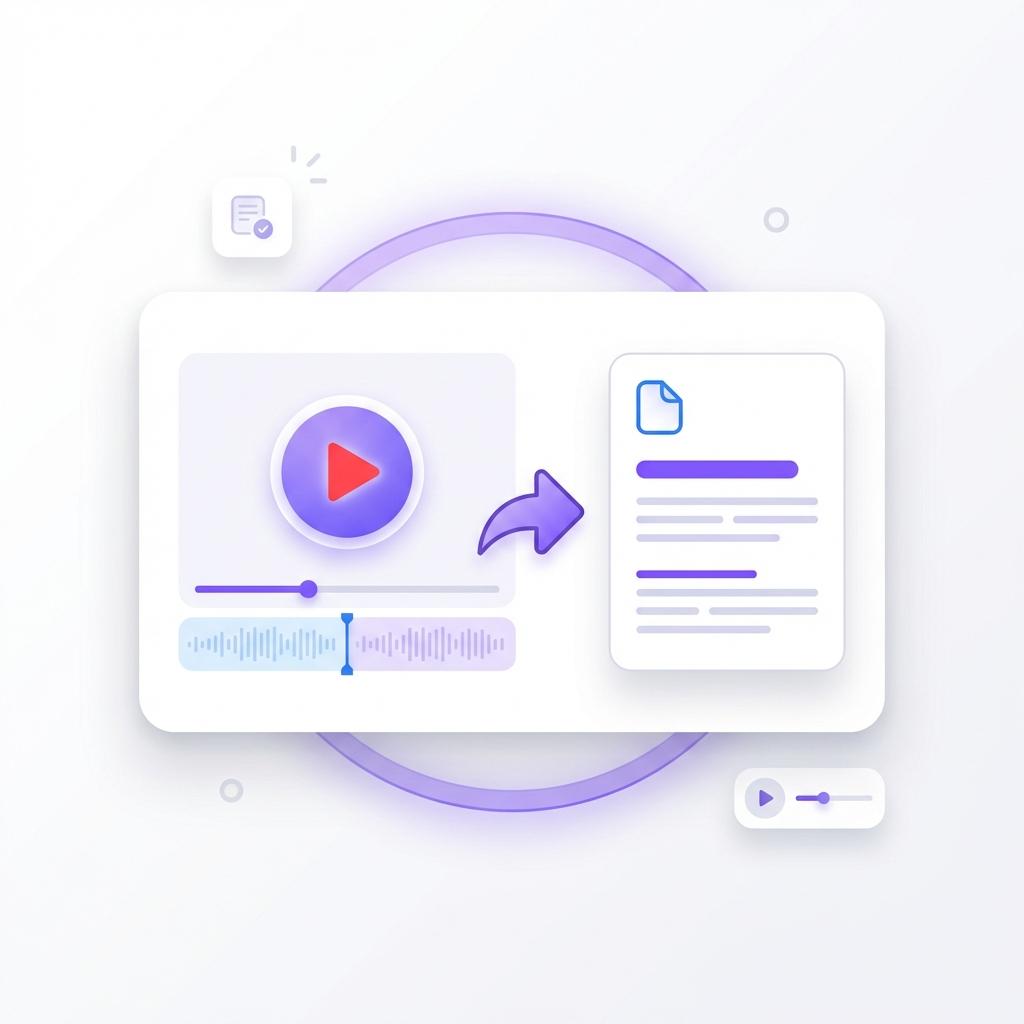
Watching long videos just to find a few useful points wastes more time than most people realize. That's exactly why the Video Summarizer exists. Instead of sitting through lengthy introductions, ads, or off-topic discussions, you can get straight to the information that matters. All you need to do is paste a YouTube link, and the tool takes over from there.
Our AI scans the full video, understands the spoken content, identifies the most important ideas, and organizes them into a clear, easy-to-read summary. You don't need to skim through timestamps or replay sections. The summary gives you the full picture in seconds.
This is especially useful for long lectures, tutorials, interviews, or educational content where only certain parts are relevant. You still get the context, the insights, and the takeaways—just without the wasted time. Whether you're studying, researching, or learning something new, the process feels effortless.
The goal is simple: help you learn faster, focus better, and move on without feeling like you missed something important.
 Batch Power
Summarize Up to 20 Videos at Once
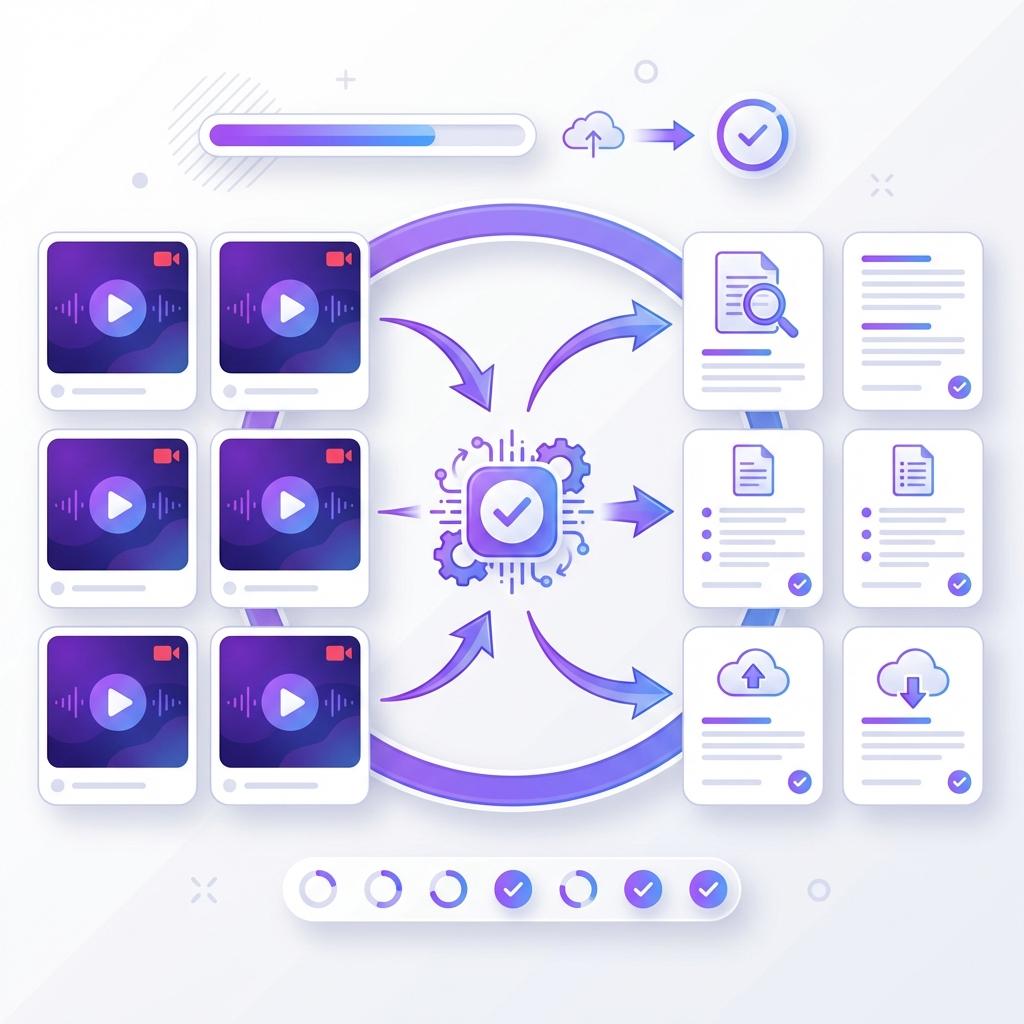
When you're working on research, studying for exams, or reviewing content, one video is rarely enough. That's why batch processing makes such a big difference. Instead of summarizing videos one by one, you can process up to 20 videos at the same time.
This feature is perfect for playlists, online courses, or deep research sessions. Simply paste multiple links, start the process, and let the AI handle everything in one go. No repetitive clicking. No waiting between summaries.
Batch summarization saves hours of effort, especially for students, professionals, and content creators who deal with large volumes of video content. You can review key ideas from multiple sources quickly and compare insights without opening dozens of tabs.
It also helps you stay focused. Instead of jumping between videos, you receive organized summaries that let you understand everything at a glance. Whether you're preparing for an exam, building a presentation, or researching a topic, batch mode turns a time-consuming task into a smooth workflow.
 No Barriers
Get Summaries Even Without Subtitles
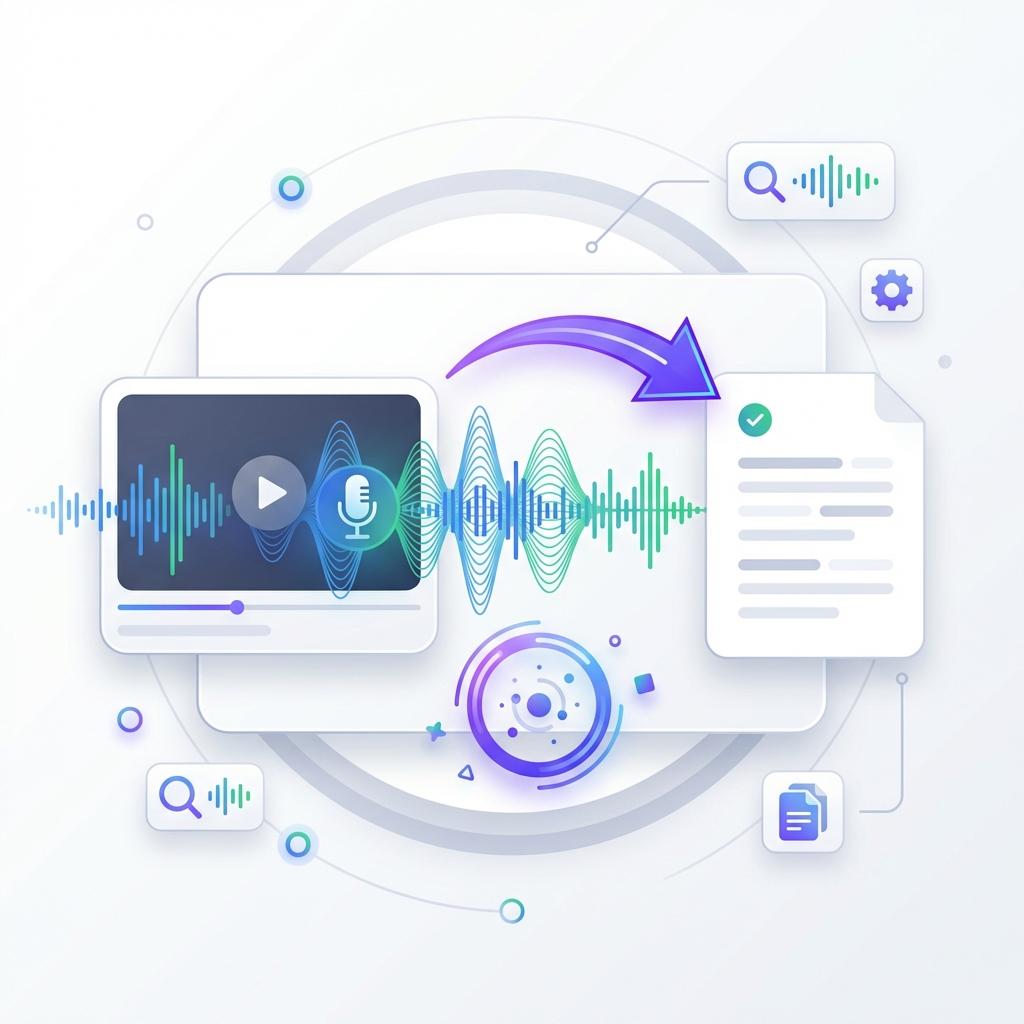
Most video summarizers rely entirely on subtitles. When captions are missing or inaccurate, they fail. That's where our tool stands apart. It doesn't depend on subtitles to work. Instead, it analyzes the video's spoken content directly, making it reliable even when captions aren't available.
This means you can summarize interviews, podcasts, webinars, conference talks, and niche content that other tools simply can't handle. Whether the video is professionally produced or casually recorded, the summarizer still extracts the key ideas with accuracy.
Our system can process videos up to 120 minutes long without losing context. That's especially helpful for long-form content like online courses, recorded meetings, or educational sessions. You're no longer limited by how the video was uploaded or whether captions were included.
If it's on YouTube, you can summarize it. No extra steps. No special formatting. Just paste the link and let the tool do the work. This removes a major limitation most users face and gives you full freedom to summarize any video you need.
 Global Access
Translate and Summarize in 60+ Languages
Knowledge shouldn't be limited by language. That's why the Video Summarizer supports more than 60 languages. You can summarize videos from creators around the world and receive the output in a language you understand.
This feature is especially useful for students, researchers, and professionals who rely on international content. You no longer need to search for translated versions or struggle through unfamiliar accents. The AI handles translation and summarization in one step.
Whether you're watching a foreign lecture, an international interview, or a global conference talk, you get clear, accurate summaries without switching tools. Everything stays in one place.
This makes learning global content easier, faster, and more accessible. You can explore new ideas, industries, and perspectives without language slowing you down.
 Lightning Speed
Get Your Summary in Under a Minute
Speed matters, especially when you're working against deadlines or trying to stay productive. That's why the Video Summarizer is built for performance. From the moment you paste a link, the system starts processing instantly.
There's no waiting for long loading screens or slow analysis. In most cases, your summary is ready in under a minute. Often, it's faster than the time it takes for a YouTube ad to finish playing.
This speed makes a real difference when you're handling multiple videos. What used to take hours can now be done in minutes. Over time, those saved minutes turn into hours—and those hours turn into real productivity gains.
Whether you're reviewing content between meetings or studying late at night, the fast response ensures nothing slows you down. You stay in control, focused, and efficient, without sacrificing accuracy or quality.

What Is a Video Summarizer?
A video summarizer is an AI-powered tool designed to turn long videos into short, easy-to-read summaries. Instead of watching an entire video, you get the most important points in a fraction of the time.
All you have to do is paste a YouTube link. The AI analyzes the video, understands the context, and extracts the key ideas. The result is a clean, structured summary that captures what truly matters.
What makes this tool different is its flexibility and power. It works with or without subtitles, supports long videos, allows batch processing, and offers multilingual support. There's no signup required, no complicated setup, and no learning curve.
It's built for people who value time, clarity, and efficiency. Whether you're learning, researching, or just trying to stay informed, this tool helps you do more in less time.
Why Video Summaries Matter
Most YouTube videos are longer than they need to be. Intros, promotions, sponsor messages, and off-topic discussions add minutes that don't always add value. While that works for creators, it slows down viewers who just want the information.
Video summaries solve this problem. They strip away the noise and leave only what's important. You get the core message without distractions, repetition, or filler.
This improves comprehension and retention. Instead of passively watching, you actively absorb key points. It's easier to remember information when it's presented clearly and concisely.
Summaries also help you make better decisions. You can quickly decide whether a video is worth watching in full or move on to the next topic. It's not about skipping learning—it's about learning smarter.
How to Summarize YouTube Videos Online for Free
Using the Video Summarizer is simple and requires no technical knowledge.
Step 1: Copy the YouTube video URL
Step 2: Paste it into the input box
Step 3: Click "Generate Summary"
Step 4: Wait a few seconds while the AI processes the video
Step 5: Read, copy, or download your summary
Step 6: Paste another link or use batch mode for multiple videos
That's all there is to it.
No signups. No installations. No complicated settings.
In just a few clicks, you turn long videos into short, useful summaries.
Depending on the video length, you can save anywhere from 10 minutes to several hours—every single time you use it.
Frequently Asked Questions
Does this video summarizer work without subtitles?
Yes, it works even when subtitles are not available. Most video summarizers rely completely on captions, which means they fail as soon as a video doesn't include them. Our tool is different. It uses advanced AI processing to analyze the spoken content of the video itself, not just the subtitles.
This allows you to summarize videos such as interviews, podcasts, webinars, and user-generated content that often lack captions. Whether the video is professionally produced or recorded casually, the summarizer can still identify the key ideas and deliver a clear summary.
This feature is especially useful for long-form content, niche discussions, or older videos where subtitles are missing or inaccurate. You don't have to worry about accessibility limitations anymore. If it's on YouTube, our system can process it.
Can I summarize videos in languages other than English?
Absolutely. The video summarizer supports over 60 languages, making it ideal for global content consumption. You can summarize videos in languages like Spanish, French, German, Hindi, Japanese, Korean, and many more.
The tool not only understands the original language but can also translate the summary into your preferred language. This makes it extremely useful for students, researchers, and professionals who rely on international content.
Instead of struggling through unfamiliar accents or subtitles, you receive a clean and readable summary in a language you understand. This removes language barriers completely and allows you to learn from creators around the world without limitations.
Is there a limit to how many videos I can summarize?
There is no hard limit on how many videos you can summarize. You can use the tool as often as you want without restrictions. Unlike many platforms that lock features behind paywalls or impose daily usage caps, this tool is designed for continuous use.
Additionally, the batch feature allows you to summarize up to 20 videos at once. This is especially helpful when working with playlists, research material, or educational content. You can process large volumes of video content in one go without repeating steps.
Whether you need one summary or dozens, the tool is built to handle both efficiently.
How accurate are the video summaries?
The summaries are highly accurate and designed to capture the core meaning of the video. The AI analyzes the entire structure of the content, identifies key themes, and removes unnecessary filler.
You get a summary that reflects:
- Main ideas
- Important explanations
- Key arguments
- Actionable insights
While no AI tool can replace human judgment entirely, the accuracy level is more than sufficient for learning, research, content review, and productivity purposes. For technical or academic content, the summaries are especially effective at highlighting essential points without overwhelming detail.
What types of videos work best with this tool?
The video summarizer works best with informational and educational content, but it performs well across many formats. Some of the most common use cases include:
- Online lectures and tutorials
- Podcasts and interviews
- Webinars and training sessions
- Business and marketing videos
- Research and academic content
- Documentaries and explainer videos
Even entertainment-based videos can be summarized, although informational videos produce the most meaningful results. The more structured the content, the better the summary quality.
Can I use this tool on mobile devices?
Yes, the video summarizer is fully mobile-friendly. You can use it on smartphones and tablets without downloading any app. Simply open the website in your browser, paste the YouTube link, and generate the summary.
The interface automatically adjusts to smaller screens, making it easy to read summaries, copy text, or process multiple videos on the go. This makes it perfect for students, professionals, or anyone who prefers working from their phone or tablet.
How is this different from reading a video description?
Video descriptions are written by creators for SEO or promotion, not for clarity. They often include links, hashtags, timestamps, or marketing text instead of actual content insights.
Our video summarizer analyzes what is actually said in the video. It extracts meaningful information directly from the spoken content rather than relying on descriptions or metadata.
This means you get:
- Real insights instead of marketing text
- Complete coverage of the topic
- A summary based on the full video, not just highlights
It's a far more accurate way to understand what a video is truly about.
Can I save or export the summaries?
Yes, you can easily copy, save, or download your summaries. Once the summary is generated, it's yours to use however you like. You can paste it into documents, notes, research papers, or learning apps.
There are no restrictions on usage. You can store summaries for later reference, share them with teammates, or use them as study material. This flexibility makes the tool useful for both personal and professional use.
Is this tool suitable for students and researchers?
Absolutely. In fact, students and researchers benefit the most from this tool. It helps reduce the time spent watching long lectures or academic videos while still retaining the important information.
Students can use it to:
- Review lecture content
- Prepare for exams
- Summarize educational videos
- Take faster notes
Researchers can use it to:
- Analyze interviews
- Extract insights from talks
- Review conference material
- Speed up literature review
It turns hours of video into minutes of reading.
Does the tool work for long videos?
Yes. The summarizer can handle videos up to 120 minutes long without losing accuracy. Long lectures, full-length podcasts, and extended interviews are processed smoothly.
The AI breaks the content into sections, identifies the most important ideas, and presents them in a clean summary format. You don't have to worry about long videos slowing down the system or reducing quality.
This makes it ideal for deep research, learning sessions, or professional development content.
Is the Video Summarizer free to use?
Yes, the tool is free to use with no mandatory sign-up. You can summarize videos instantly without creating an account or entering payment details.
This makes it accessible to everyone, whether you're a student, professional, or casual user. There are no hidden charges, and you can start using it immediately.
Who should use a video summarizer?
The video summarizer is useful for a wide range of users:
- Students who want faster learning
- Professionals with limited time
- Researchers handling large video content
- Content creators analyzing competitors
- Educators reviewing materials
- Anyone who wants to save time
If you watch videos to learn something, this tool will make your life easier.
Why should I use this instead of watching the full video?
Because your time is valuable.
Most videos include:
- Long introductions
- Repeated explanations
- Sponsorships
- Off-topic discussions
The summarizer removes all of that and delivers only what matters. You still understand the topic fully, but in a fraction of the time.
It's not about skipping learning. It's about learning efficiently.