Convert Audio Into Clear, Readable Text With Our Voice to Text Tool
Listening to long audio recordings just to find key information wastes time. Our voice to text tool solves that problem by converting spoken audio into clean, readable text within seconds.
Whether you are working with voice notes, interviews, meetings, lectures, or podcasts, our AI-powered transcription tool helps you turn audio into usable content instantly. No typing. No rewinding. Just accurate text when you need it.
Drag and drop a voice recording to convert to text or
Supported formats: MP3, M4A, WAV, OGG, FLAC, WebM
Explore More AI Tools
Discover our suite of AI-powered tools to boost your productivity
YouTube Summary with ChatGPT
Get instant AI-powered summaries of any YouTube video with key insights and highlights.
YouTubeYouTube Subtitle Downloader
Extract and download subtitles from any YouTube video in multiple formats.
YouTubeYouTube to Text
Convert YouTube videos to text format with AI-powered transcription and summarization.
YouTubeYouTube to Transcript
Generate accurate transcripts from YouTube videos with timestamps.
YouTubeYouTube Transcript Downloader
Download full transcripts from YouTube videos for easy reference and study.
YouTubeYouTube Transcript Generator
Generate transcripts from any YouTube video with AI-powered speech recognition.
YouTubeYouTube Video Summarizer
Get AI-powered summaries of YouTube videos with key points, insights, and highlights.
YouTubeVideo Summarizer
Upload any video and get an AI-powered summary with key points and insights.
Audio & VideoVideo to Text
Convert video files to text with accurate AI transcription.
Audio & VideoPodcast Summarizer
Get concise summaries of podcast episodes with key takeaways.
Audio & VideoSpeech to Text
Convert audio recordings to accurate text transcriptions.
Audio & VideoVoice to Text
Transform voice recordings into written text with AI accuracy.
Audio & VideoVoice Memo to Text
Convert voice memos to text for easy note-taking and reference.
Audio & VideoPaper Summarizer
Summarize academic papers and research documents with AI assistance.
DocumentsBook Summarizer
Get comprehensive summaries of books with key insights and themes.
DocumentsPPT Summarizer
Summarize PowerPoint presentations and extract key information.
DocumentsWord Summarizer
Summarize Word documents and extract important points.
DocumentsImage Summarizer
Analyze and summarize image content with AI-powered visual understanding.
DocumentsImage to Text
Extract text from images using advanced OCR and AI recognition.
DocumentsYouTube Video Downloader
Download YouTube videos easily.
YouTubeYouTube to MP3
Convert YouTube videos to MP3 format.
YouTubeYouTube Description Generator
Craft engaging descriptions for your YouTube videos.
YouTubeYouTube Hashtag Generator
Generate relevant hashtags for your YouTube content.
YouTubeYouTube Username Generator
Create unique usernames for your YouTube channel.
YouTubeYouTube Transcript Generator
Generate transcripts for YouTube videos.
YouTubeYouTube Thumbnail Downloader
Download YouTube thumbnails for your videos.
YouTubeYouTube Shorts Downloader
Download YouTube Shorts videos.
YouTubeTransitional Hooks
Go viral with transitional hooks.
Audio & VideoVideo Downloader
Download videos from multiple platforms.
Audio & Video Stop Replaying Audio. Start Reading Faster.
How the Voice to Text Tool Works
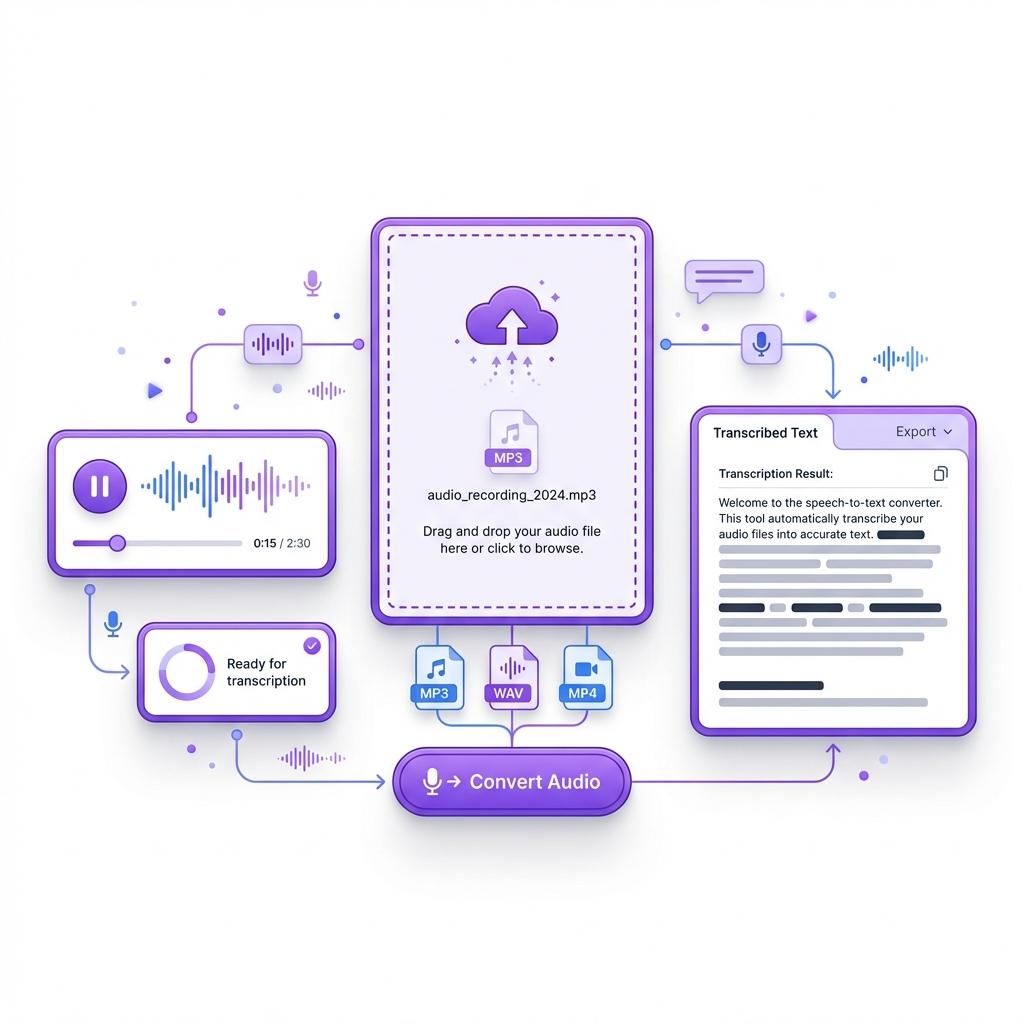
Using our voice to text tool is simple, fast, and designed to fit smoothly into your workflow. Once you upload your audio file, the system immediately begins analyzing the speech using advanced AI speech recognition technology. The tool accurately identifies spoken words, understands context, and converts the audio into clear, well-structured text within seconds. There is no setup required, no learning curve, and no technical knowledge needed to get started.
You no longer have to pause recordings repeatedly or rewind audio just to catch important details. Whether you are working with a short voice memo, a meeting recording, an interview, or a long lecture, the tool handles everything automatically. The final transcript is clean, readable, and easy to scan, making it simple to find key points without listening to the entire recording again.
The voice to text process also removes the frustration of manual note-taking. Instead of splitting your focus between listening and writing, you can stay focused on your task while the AI does the work for you. This makes it ideal for students, professionals, researchers, and content creators who deal with audio regularly.
Once the transcription is complete, you can edit, copy, download, or reuse the text however you like. The result is a faster workflow, better organization, and more time saved across your projects. By turning audio into accurate text in seconds, the voice to text tool helps you work smarter, stay productive, and focus on what actually matters.
 Batch Processing
Convert Up to 20 Audio Files at Once
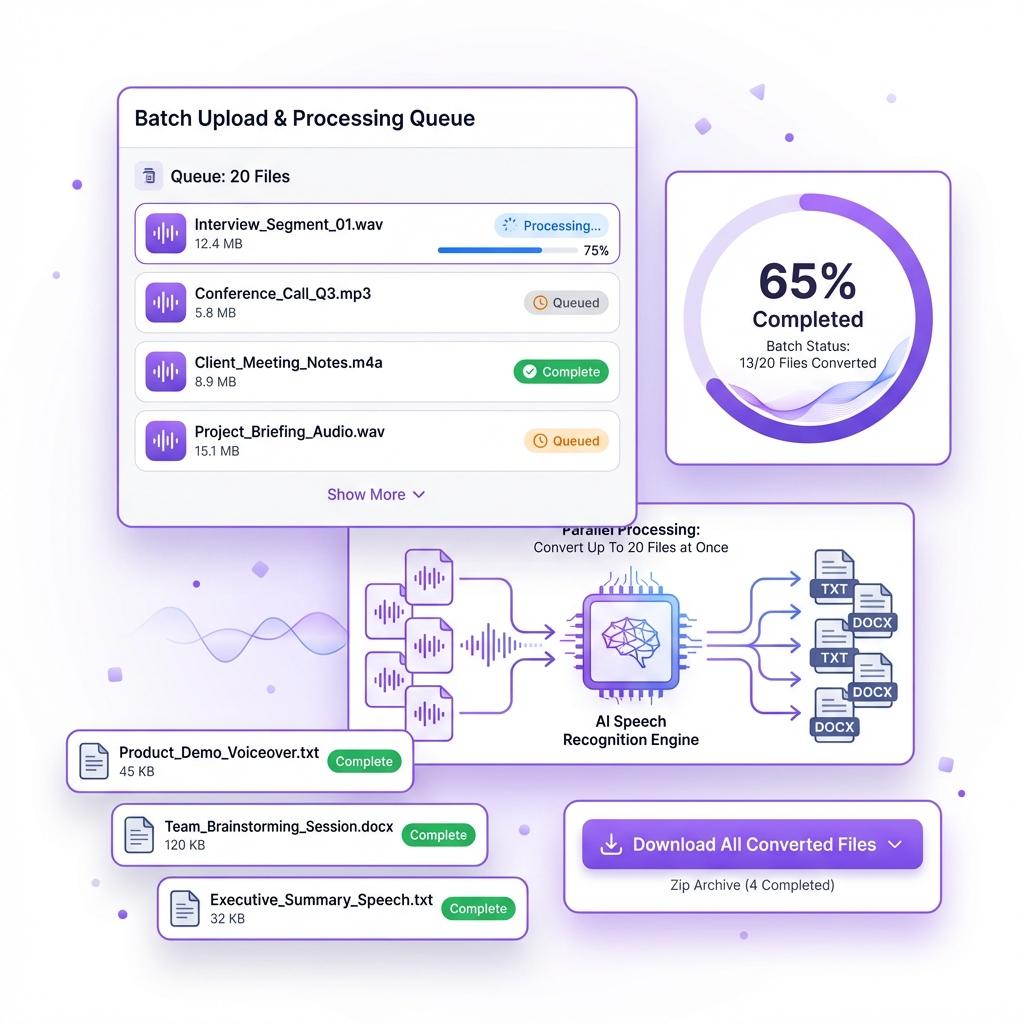
Handling multiple audio recordings can quickly become time-consuming when you have to upload and convert files one by one. That's why our voice to text tool includes a powerful batch processing feature designed to save you time and effort. Instead of repeating the same steps over and over, you can upload up to 20 audio files at once and let the system process them together.
Once uploaded, the AI automatically transcribes each file in the background and delivers clean, readable text for every recording. There is no need to wait for one file to finish before starting another. This makes the process far more efficient, especially when you are working with large volumes of audio content.
Batch processing is ideal for professionals who handle multiple meetings, interviews, or recorded calls. Students can convert entire lecture series in one go, while researchers can quickly transcribe hours of audio without manual effort. Content creators and podcasters also benefit by turning multiple recordings into written material in minutes instead of hours.
The feature is designed to keep your workflow smooth and organized. Each transcript is generated separately, making it easy to review, edit, or export as needed. You save time, reduce repetitive tasks, and stay focused on the work that actually matters.
With batch processing, voice to text becomes more than a convenience. It becomes a productivity tool that helps you work faster, stay organized, and handle large workloads with ease.
 No Barriers
Convert Audio Even Without Perfect Sound
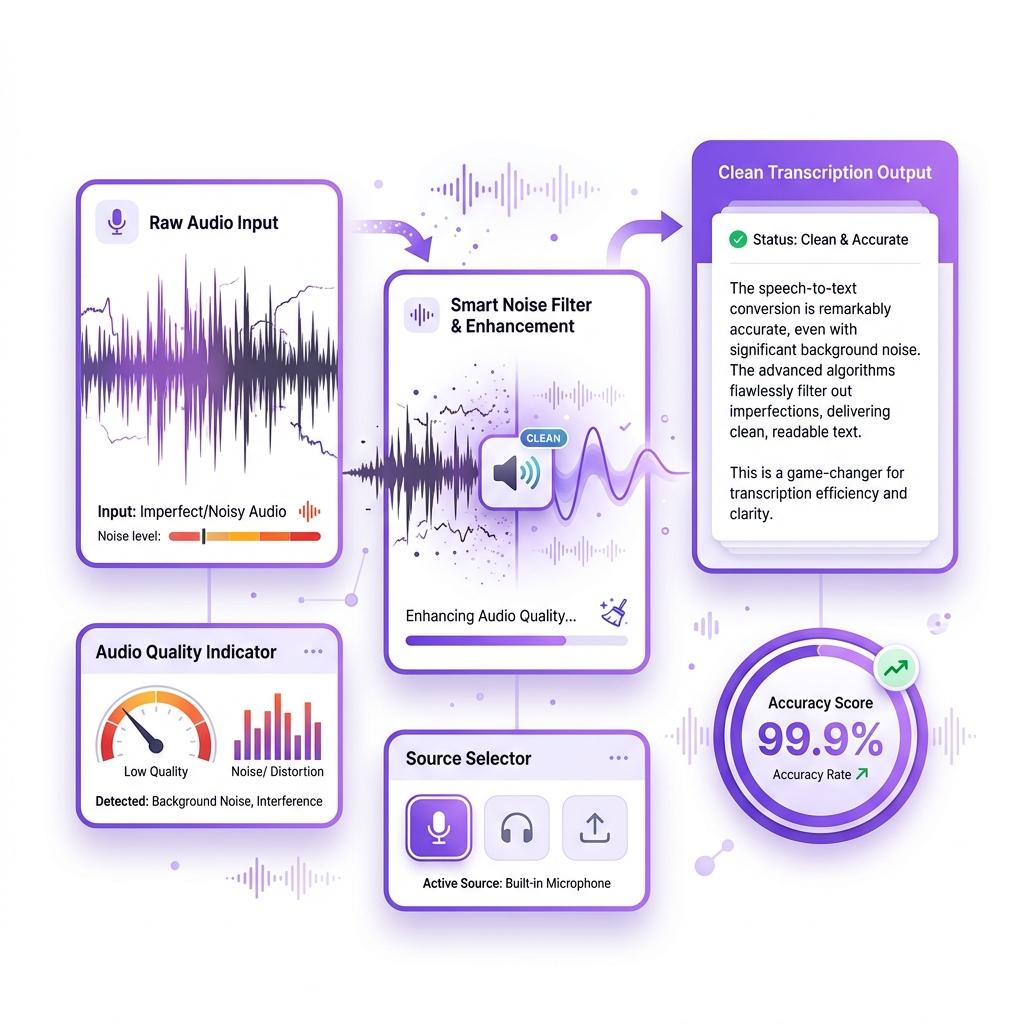
Many voice to text tools fail the moment audio quality drops. Background noise, overlapping voices, accents, or uneven volume often lead to messy and inaccurate transcripts. Our voice to text tool is built to handle real-world audio, not just studio-perfect recordings. That means you can upload files confidently, even if the sound is not crystal clear.
The AI is trained to recognize natural speech patterns, accents, pauses, and variations in tone. Whether someone speaks quickly, softly, or with background noise present, the system intelligently processes the audio and extracts accurate text. This makes it ideal for everyday use, where recordings are rarely perfect. Meetings, interviews, voice notes, classroom lectures, and casual conversations all work seamlessly.
You can upload audio files up to 120 minutes long, even if the recording includes interruptions, multiple speakers, or inconsistent sound quality. Unlike many transcription tools that rely on subtitles or perfectly clean audio, this tool works directly from the audio itself. There is no need to manually clean files or prepare transcripts in advance.
From business calls and online classes to podcasts and research interviews, the tool consistently delivers readable and structured text. You save time, avoid frustration, and eliminate the need for repeated listening or manual corrections.
The voice to text tool adapts to real situations. It gives you reliable transcriptions even when the audio isn't perfect, allowing you to focus on understanding and using the content rather than fixing it.
 Global Access
Transcribe and Translate in Over 60 Languages
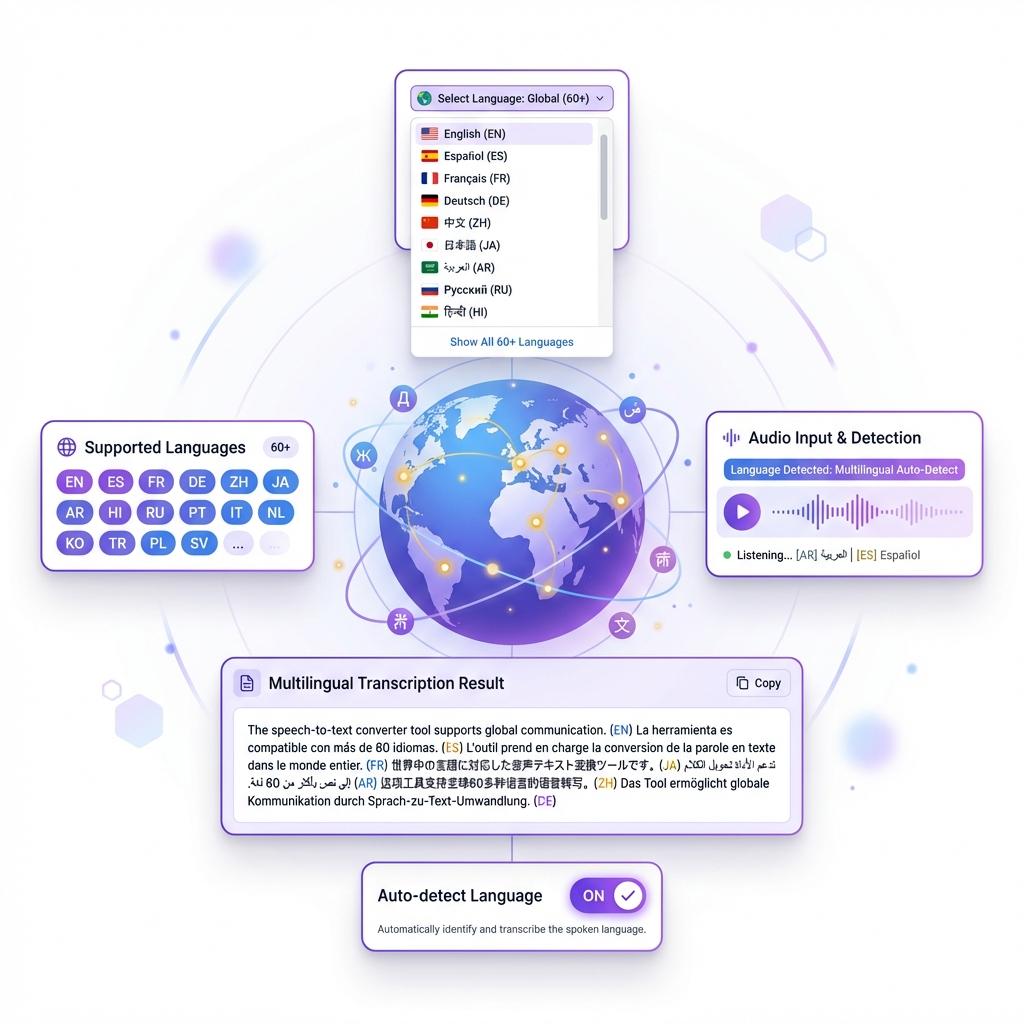
Our voice to text tool is built for a global audience. With support for more than 60 languages, it allows you to transcribe and translate audio from around the world without switching platforms or using additional tools. Whether the recording is in English, Spanish, French, German, Hindi, or another language, the system processes it accurately and delivers clean, readable text.
This feature is especially useful for professionals and students who work with international content. If you attend global meetings, conduct interviews in different languages, or study foreign material, the tool helps you understand and organize information effortlessly. You can transcribe audio in one language and receive the text in another, making cross-language communication simple and efficient.
The AI is designed to recognize accents, speech variations, and natural conversation patterns. This ensures reliable transcription quality even when the speaker is not using formal or perfectly clear language. The result is text that remains accurate, readable, and easy to work with.
Instead of juggling multiple translation and transcription tools, everything happens in one place. You upload your audio, select your preferred output language, and receive your transcript within seconds. This saves time, reduces errors, and improves productivity.
Whether you are translating interviews, converting multilingual lectures, or working with global clients, the voice to text tool gives you the flexibility to work across languages with confidence and ease.
 Lightning Fast Performance
Get Your Transcription in Under a Minute
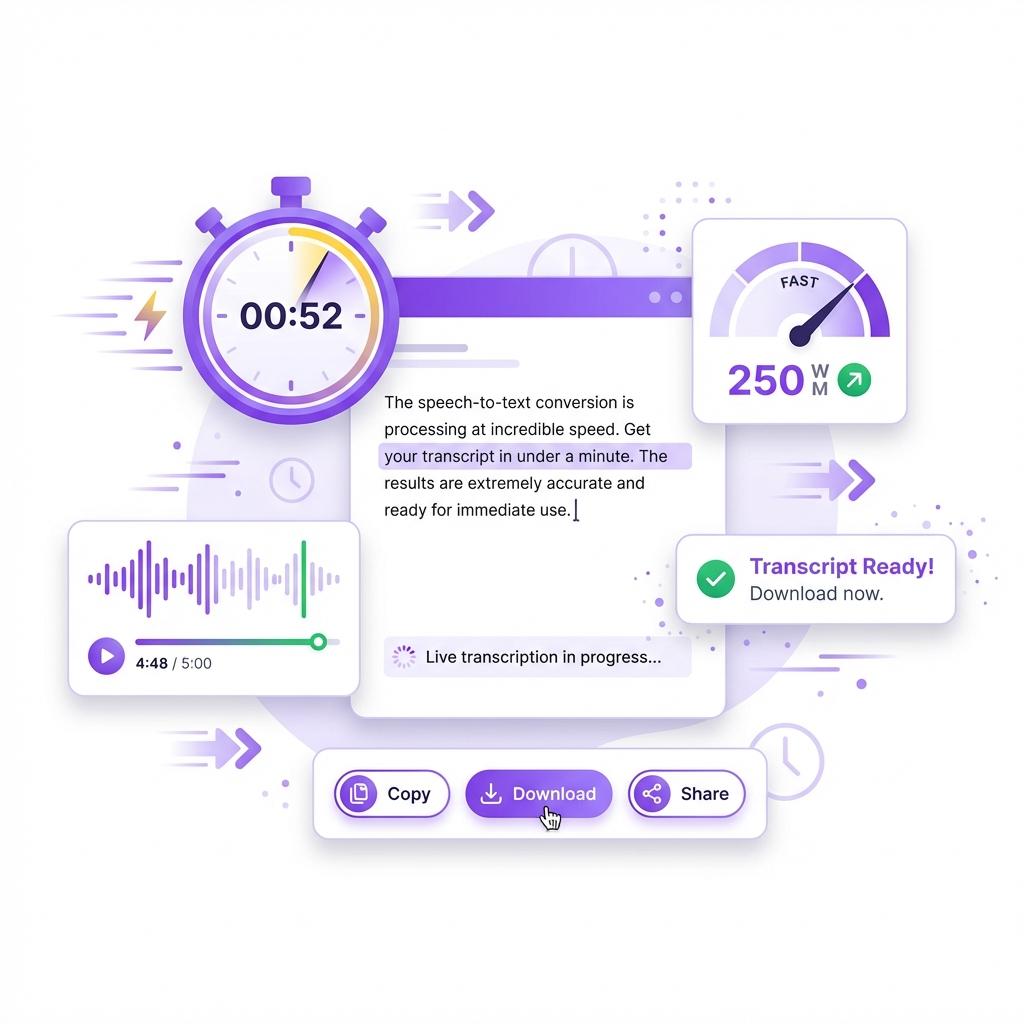
Speed is essential when you're working with audio, especially when deadlines are tight or you're handling multiple recordings. Our voice to text tool is built for performance, allowing you to convert audio into text in seconds rather than minutes. Once your file is uploaded, the AI immediately begins processing the audio and generating a clean, readable transcript.
There's no waiting in long queues and no complicated setup. You simply upload your audio, click the convert button, and your transcription appears almost instantly. The entire process is streamlined so you can focus on your work instead of watching progress bars or dealing with slow tools.
This fast turnaround makes a real difference when you're working with multiple files or long recordings. Instead of spending hours manually typing or replaying audio, you can get accurate text output almost immediately. Over time, this saves a significant amount of effort and helps you complete tasks more efficiently.
Whether you're transcribing meetings, interviews, lectures, or voice notes, the speed of the tool allows you to move from audio to text without breaking your workflow. The faster you get your transcript, the faster you can review, edit, or share it with others.
By eliminating delays and simplifying the transcription process, the voice to text tool helps you stay productive, meet deadlines, and make better use of your time every day.
What Is a Voice to Text Tool?
A voice to text tool converts spoken audio into written text using advanced AI speech recognition technology. Instead of manually typing everything you hear, you simply upload an audio file and receive a complete transcript within seconds. This makes it easier to capture information, review conversations, and store important details without replaying recordings multiple times.
Our voice to text tool works with a wide range of audio content, including meetings, lectures, interviews, podcasts, and voice notes. The AI listens to the audio, identifies spoken words accurately, and organizes them into clean, readable text. The result is a structured transcript that you can easily edit, copy, or save for later use.
What makes this tool stand out is its balance of speed, accuracy, and flexibility. Many transcription tools struggle with long recordings, unclear audio, or different accents. Our system is designed to handle real-world audio, ensuring reliable results even when the sound quality is not perfect. It adapts to natural speech patterns and delivers consistent output across different types of recordings.
The tool is also built for convenience. There is no complicated setup, no technical knowledge required, and no learning curve. You upload your file, click convert, and the transcript is ready in moments. This makes it ideal for professionals, students, researchers, and content creators who need fast and dependable transcription.
By turning audio into text instantly, the voice to text tool helps you work more efficiently, stay organized, and focus on what truly matters instead of spending time transcribing manually.
Why Voice to Text Is So Useful
Audio is one of the easiest ways to capture information, but it is also one of the hardest formats to review later. Listening through long recordings takes time, and finding specific details often means replaying the same sections again and again. Important points can easily be missed, especially when you are working with lengthy meetings, lectures, or interviews.
Voice to text solves this problem by turning spoken content into written text that you can instantly scan, search, and organize. Once your audio is transcribed, you no longer need to rely on memory or replay recordings. You can quickly find key information, copy important sections, and store everything in a format that's easy to manage.
This is especially useful for students who need accurate lecture notes, professionals who attend frequent meetings, and content creators who work with interviews or spoken material. Instead of spending hours transcribing manually, you get clean, structured text in seconds. This saves time, reduces effort, and allows you to focus on more important tasks.
Voice to text also improves accessibility. Written content is easier to review, share, and reference later. It helps turn spoken ideas into actionable information that can be used for reports, documentation, research, or content creation.
By converting audio into text instantly, the voice to text tool helps you work more efficiently, stay organized, and make better use of your time. It transforms audio from something you have to listen to into something you can actually use.
How to Convert Voice to Text Online
- Step 1: Upload your audio file or voice recording using the upload box on the page. The tool supports common formats, so files from your phone or computer work smoothly.
- Step 2: Click the "Convert to Text" button to start the transcription. This immediately sends your audio into processing mode without any manual setup.
- Step 3: The AI analyzes your audio automatically. It identifies speech patterns, recognizes words accurately, and converts the spoken content into readable text.
- Step 4: Your transcription appears within seconds. Even for longer recordings, the output is generated quickly and displayed in a clean, structured format.
- Step 5: Review your transcript and make quick edits if needed. You can then copy the text, download it, or save it for later use.
- Step 6: Upload another file to convert more audio, or use batch mode to process multiple recordings at once. This is the fastest option when you have lots of files to handle.
That's it. No learning curve, no technical setup, and no extra steps. Just fast and accurate voice to text conversion whenever you need it.
Frequently Asked Questions
Does this voice to text tool work without clear audio?
Yes, it does. Our voice to text tool is designed to handle real-world audio, not just studio-quality recordings. It can process audio with background noise, overlapping voices, and natural pauses without losing accuracy. While clearer audio always produces the best results, the system is trained to recognize speech even when conditions are not ideal. This makes it suitable for meetings, voice notes, classroom recordings, and casual conversations where sound quality may vary.
Can I convert audio in languages other than English?
Yes. The voice to text tool supports over 60 languages, making it ideal for global use. You can upload audio in different languages and receive accurate text output without needing an additional translation tool. This is especially helpful for international meetings, interviews, educational content, or multilingual research. The AI recognizes language patterns and accents, ensuring reliable transcription across supported languages.
Is there a limit to how many files I can transcribe?
There is no strict limit on how many audio files you can convert. You can transcribe single files or use batch mode to upload and process up to 20 audio files at once. This is especially useful for users working with large volumes of audio, such as researchers, journalists, students, or content creators. Batch processing helps save time and eliminates repetitive uploading.
How accurate is the voice to text conversion?
The tool provides highly accurate transcriptions for most audio recordings. It uses advanced AI speech recognition to identify words, context, and sentence structure. Accuracy is highest when the audio is clear, but even imperfect recordings are transcribed effectively. For professional or technical content, a quick review is recommended, but in most cases, the output is ready to use without edits.
What types of audio files are supported?
The voice to text tool supports common audio formats such as MP3, WAV, M4A, and similar file types. This makes it easy to upload recordings from smartphones, laptops, recording devices, or online platforms. Whether the audio comes from a meeting app, voice recorder, or podcast software, it can be processed without conversion.
Can I use this tool for long recordings?
Yes. You can upload audio files up to 120 minutes long. This makes the tool suitable for long lectures, interviews, podcasts, webinars, and conference recordings. Even lengthy files are processed efficiently, and the transcription is delivered in a readable format without cutting off content.
Does the tool work on mobile devices?
Yes. The voice to text tool works seamlessly on mobile phones and tablets through any modern browser. There is no need to install an app or download software. You can upload audio, convert it, and view your transcription directly from your mobile device, making it easy to use on the go.
Do I need to create an account to use the tool?
No account is required to use the voice to text tool. You can upload your audio and convert it instantly without signing up or providing personal details. This makes the process fast, simple, and accessible for everyone.
Is my audio data safe and private?
Yes. Your privacy is important. Uploaded audio files are processed securely and are not stored permanently. The tool only uses your audio to generate the transcription and does not share or reuse your content. This makes it safe for business conversations, interviews, or sensitive recordings.
Can I edit or download my transcript?
Yes. Once your transcription is complete, you can edit the text directly, copy it to your clipboard, or download it for later use. This flexibility allows you to use the content for notes, documentation, reports, or content creation without restrictions.
What makes this voice to text tool different from others?
Unlike many transcription tools, this voice to text tool focuses on speed, accuracy, and ease of use. It does not require subtitles, complex setup, or manual formatting. It handles long audio, multiple files, and different languages in one place. The interface is simple, the output is clean, and the entire process takes only a few seconds.
Can I use this tool for meetings and interviews?
Yes. The tool is ideal for meetings, interviews, and discussions. It captures spoken content accurately and turns it into readable text, making it easier to review conversations, extract key points, and keep records. Many professionals use it to save time on meeting notes and documentation.
Is the voice to text tool suitable for students?
Absolutely. Students can use the tool to transcribe lectures, online classes, study sessions, and group discussions. Instead of writing everything manually, they can focus on understanding the material while the tool handles the transcription. This improves learning efficiency and note-taking accuracy.
Can content creators use this tool?
Yes. Content creators often use the voice to text tool to convert audio into written scripts, captions, blog drafts, or summaries. It is especially useful for podcasters, YouTubers, and educators who want to repurpose spoken content into written formats quickly.
Does the tool work for podcasts and webinars?
Yes. The tool performs very well with podcasts, webinars, and long-form discussions. It captures spoken content clearly and structures it into readable text, making it easy to review or reuse for articles, notes, or summaries.
How long does transcription take?
In most cases, transcription takes only a few seconds. Even longer files are processed quickly thanks to the optimized AI engine. You do not need to wait in queues or refresh the page. The text appears as soon as processing is complete.
Can I transcribe multiple speakers?
Yes. The tool can handle conversations with multiple speakers. While it does not label speakers by name, it accurately captures spoken content and organizes it in a readable way. This is useful for interviews, meetings, and group discussions.
Is this tool free to use?
The tool offers free access for users to convert audio into text. Depending on usage volume, additional features or higher limits may be available, but basic transcription can be done without cost or commitment.
Why should I use voice to text instead of manual typing?
Manual transcription is slow, tiring, and prone to errors. Voice to text automation saves hours of work, improves accuracy, and allows you to focus on more important tasks. It also reduces fatigue and makes handling large amounts of audio much easier.
Who benefits the most from this tool?
The voice to text tool is ideal for students, professionals, researchers, journalists, podcasters, educators, and anyone who regularly works with audio. If you record conversations, attend meetings, or create spoken content, this tool can significantly improve your productivity.