Download YouTube Subtitles Instantly with Our Free YouTube Subtitle Downloader
Watching videos just to capture a few lines wastes time. Our YouTube Subtitle Downloader lets you extract accurate subtitles from any YouTube video in seconds. Paste the link, click once, and get clean, readable text instantly. No rewinding, no pausing, no frustration. Video content becomes usable text you can save, study, or reuse.
YouTube Subtitle Downloader
Extract and download subtitles from any YouTube video
Try with these popular videos:
Harvard CS50 - Introduction to Computer Science

Steve Jobs Stanford Commencement Speech

Elon Musk Joe Rogan Podcast

Adele - Hello (Official Music Video)
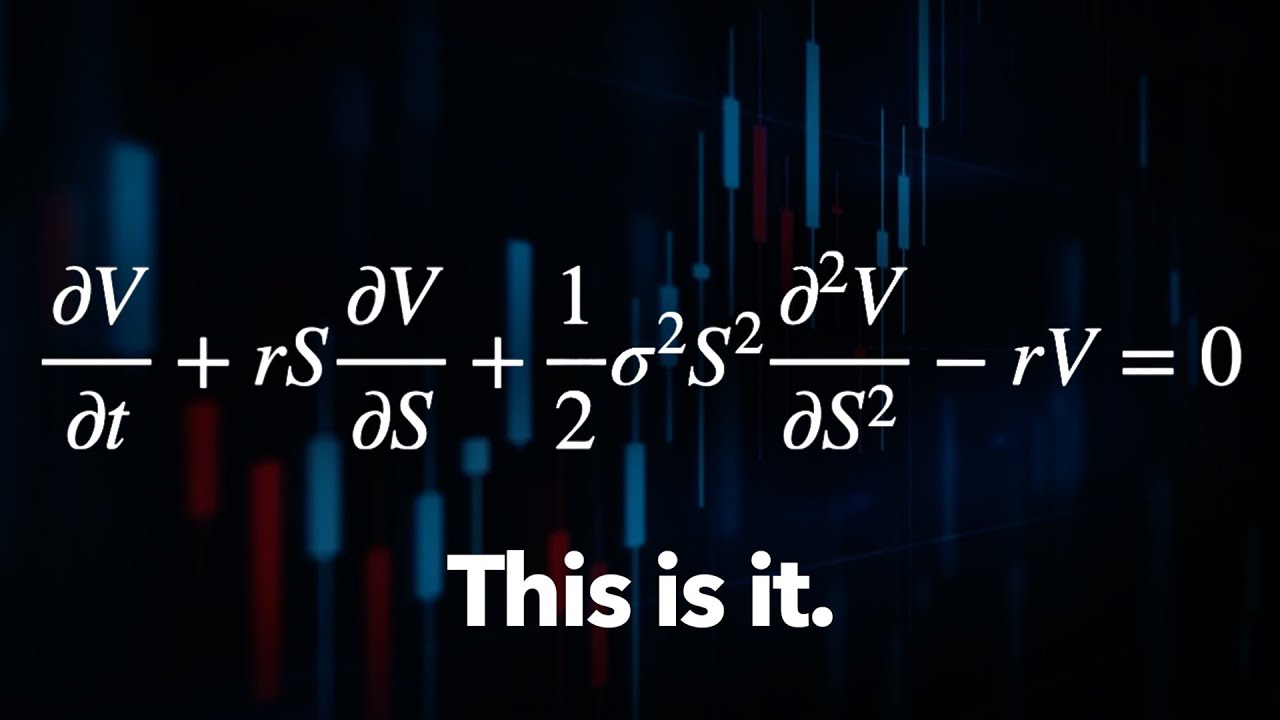
The Trillion Dollar Equation
Explore More AI Tools
Discover our suite of AI-powered tools to boost your productivity
YouTube Summary with ChatGPT
Get instant AI-powered summaries of any YouTube video with key insights and highlights.
YouTubeYouTube Subtitle Downloader
Extract and download subtitles from any YouTube video in multiple formats.
YouTubeYouTube to Text
Convert YouTube videos to text format with AI-powered transcription and summarization.
YouTubeYouTube to Transcript
Generate accurate transcripts from YouTube videos with timestamps.
YouTubeYouTube Transcript Downloader
Download full transcripts from YouTube videos for easy reference and study.
YouTubeYouTube Transcript Generator
Generate transcripts from any YouTube video with AI-powered speech recognition.
YouTubeYouTube Video Summarizer
Get AI-powered summaries of YouTube videos with key points, insights, and highlights.
YouTubeVideo Summarizer
Upload any video and get an AI-powered summary with key points and insights.
Audio & VideoVideo to Text
Convert video files to text with accurate AI transcription.
Audio & VideoPodcast Summarizer
Get concise summaries of podcast episodes with key takeaways.
Audio & VideoSpeech to Text
Convert audio recordings to accurate text transcriptions.
Audio & VideoVoice to Text
Transform voice recordings into written text with AI accuracy.
Audio & VideoVoice Memo to Text
Convert voice memos to text for easy note-taking and reference.
Audio & VideoPaper Summarizer
Summarize academic papers and research documents with AI assistance.
DocumentsBook Summarizer
Get comprehensive summaries of books with key insights and themes.
DocumentsPPT Summarizer
Summarize PowerPoint presentations and extract key information.
DocumentsWord Summarizer
Summarize Word documents and extract important points.
DocumentsImage Summarizer
Analyze and summarize image content with AI-powered visual understanding.
DocumentsImage to Text
Extract text from images using advanced OCR and AI recognition.
DocumentsYouTube Video Downloader
Download YouTube videos easily.
YouTubeYouTube to MP3
Convert YouTube videos to MP3 format.
YouTubeYouTube Description Generator
Craft engaging descriptions for your YouTube videos.
YouTubeYouTube Hashtag Generator
Generate relevant hashtags for your YouTube content.
YouTubeYouTube Username Generator
Create unique usernames for your YouTube channel.
YouTubeYouTube Transcript Generator
Generate transcripts for YouTube videos.
YouTubeYouTube Thumbnail Downloader
Download YouTube thumbnails for your videos.
YouTubeYouTube Shorts Downloader
Download YouTube Shorts videos.
YouTubeTransitional Hooks
Go viral with transitional hooks.
Audio & VideoVideo Downloader
Download videos from multiple platforms.
Audio & Video Stop Scrubbing. Start Reading Faster.
How Our YouTube Subtitle Downloader Works
Using the tool takes seconds and requires no setup. You paste a YouTube video URL into the input box and start the process. Our system analyzes the spoken content and extracts subtitles automatically. Within moments, you receive clean text you can copy or download. The entire workflow is built to be fast and frustration-free.
Whether the video is a long lecture or a short tutorial, the result is the same. You get the full spoken content without watching the video. That means faster studying, easier note-taking, and quicker content reuse. You stay focused on information, not playback.
 Batch Power
Download Subtitles from Up to 20 Videos at Once
Downloading subtitles one video at a time adds unnecessary friction. Our batch feature lets you process up to 20 YouTube videos simultaneously. This is ideal for playlists, online courses, research projects, and content audits. You paste multiple links and receive subtitles for all of them in one run.
Batch processing saves hours of repetitive work. Instead of clicking through videos individually, you handle everything at once. This keeps your workflow clean and efficient. You focus on learning or analysis instead of manual tasks.
 No Barriers
Download Subtitles Even Without Existing Captions
Most subtitle downloaders rely on captions uploaded by the creator. When those captions are missing, the tools simply fail. Our YouTube Subtitle Downloader works even when subtitles do not exist. It extracts spoken content directly from videos up to 120 minutes long.
This makes interviews, webinars, podcasts, and older videos accessible. You are no longer blocked by missing captions or poor formatting. If the content is spoken on YouTube, you can turn it into text. That freedom matters when information is locked inside video.
 Global Access
Download and Translate Subtitles in 60+ Languages
Language should never block access to information. Our YouTube Subtitle Downloader supports over 60 languages. You can extract subtitles from non-English videos and translate them into your preferred language instantly. No external tools or extra steps are required.
This is perfect for international research and language learning. It also helps teams working across regions and markets. You get clear, readable subtitles regardless of the original language. One tool handles extraction and translation together.
 Lightning Speed
Get Your Subtitles in Seconds
Speed is critical when working with large amounts of video content. Our tool delivers subtitles almost instantly after you paste the link. You do not wait through long processing screens or progress bars. The results appear fast enough to keep your momentum going.
Fast output means less context switching and fewer interruptions. When you process dozens of videos, those saved seconds turn into real time gained. Over days or weeks, the difference becomes massive. Efficiency compounds quickly.
What Is a YouTube Subtitle Downloader?
A YouTube Subtitle Downloader converts spoken video content into text. It extracts subtitles from YouTube videos and makes them downloadable. The text can be used for studying, editing, research, or content repurposing. Instead of watching entire videos, you read what matters.
Unlike basic tools, ours does not depend on existing captions. It works on long videos and supports batch downloads and translation. The goal is simple. Turn video into usable text as quickly as possible.
Why Downloading Subtitles Saves Serious Time
Most YouTube videos include filler like intros, ads, and tangents. Watching the entire video just to find key information is inefficient. Subtitles let you skip all of that. You read faster than you watch and search text instantly.
Downloaded subtitles allow quick scanning and referencing. You can highlight, quote, or reuse content without replaying footage. This makes learning faster and research cleaner. Time saved adds up quickly.
How to Download YouTube Subtitles for Free
The process is straightforward and takes less than a minute. First, copy the YouTube video URL from your browser. Next, paste it into the input box on this page. Click the download button to start extraction.
Within seconds, the subtitles appear as clean text. You can copy, save, or export them immediately. If you have multiple videos, use batch mode to process up to 20 at once. That's it.
Frequently Asked Questions
Does this work on videos without subtitles?
Yes. Our YouTube Subtitle Downloader extracts spoken content even when captions are missing. It processes videos up to 120 minutes long without relying on uploaded subtitles. This makes it reliable for interviews, webinars, and older videos. You are never blocked by missing captions.
Can I download subtitles in languages other than English?
Absolutely. The tool supports more than 60 languages. You can extract subtitles from foreign-language videos and translate them into your preferred language. Translation happens instantly after extraction. This is ideal for international research and global learning.
Is there a limit to how many videos I can process?
There are no hidden limits. You can download subtitles as often as needed. The batch feature allows processing up to 20 YouTube videos at once. This is especially useful for playlists and course material.
How accurate are the subtitles?
The subtitles are highly accurate for most content. The system analyzes the full spoken transcript and outputs readable text. For extremely technical topics, light review is recommended. In general, the extracted text captures the core meaning reliably.
What types of videos work best with this tool?
Pretty much everything. Educational videos, lectures, interviews, podcasts, and webinars work exceptionally well. Any content with clear speech produces strong results. Tutorials and conference talks are also ideal. Entertainment content works when clarity is the goal.
Does this work on mobile devices?
Yes. The YouTube Subtitle Downloader works smoothly on phones and tablets. No app is required. You can paste links, download subtitles, and read text directly in your mobile browser. The interface adjusts automatically.
Can I save or reuse the downloaded subtitles?
Yes. Once downloaded, the subtitles are yours to use. You can copy them into documents, notes, scripts, or research files. There are no locked formats or usage restrictions. The text is fully reusable.