Get Instant Summary of Any Image with Our Free Image Summarizer
Stop wasting time staring at long screenshots, charts, infographics, or text-heavy images. Get key points instantly with our free AI-powered Image Summarizer tool.
Whether it's a document screenshot, lecture slide, infographic, or social media post, our image summarizer extracts important information and delivers it in clean, readable text within seconds.
Drag and drop an image to analyze or
Supported formats: JPG, PNG, GIF, WEBP, BMP
Explore More AI Tools
Discover our suite of AI-powered tools to boost your productivity
YouTube Summary with ChatGPT
Get instant AI-powered summaries of any YouTube video with key insights and highlights.
YouTubeYouTube Subtitle Downloader
Extract and download subtitles from any YouTube video in multiple formats.
YouTubeYouTube to Text
Convert YouTube videos to text format with AI-powered transcription and summarization.
YouTubeYouTube to Transcript
Generate accurate transcripts from YouTube videos with timestamps.
YouTubeYouTube Transcript Downloader
Download full transcripts from YouTube videos for easy reference and study.
YouTubeYouTube Transcript Generator
Generate transcripts from any YouTube video with AI-powered speech recognition.
YouTubeYouTube Video Summarizer
Get AI-powered summaries of YouTube videos with key points, insights, and highlights.
YouTubeVideo Summarizer
Upload any video and get an AI-powered summary with key points and insights.
Audio & VideoVideo to Text
Convert video files to text with accurate AI transcription.
Audio & VideoPodcast Summarizer
Get concise summaries of podcast episodes with key takeaways.
Audio & VideoSpeech to Text
Convert audio recordings to accurate text transcriptions.
Audio & VideoVoice to Text
Transform voice recordings into written text with AI accuracy.
Audio & VideoVoice Memo to Text
Convert voice memos to text for easy note-taking and reference.
Audio & VideoPaper Summarizer
Summarize academic papers and research documents with AI assistance.
DocumentsBook Summarizer
Get comprehensive summaries of books with key insights and themes.
DocumentsPPT Summarizer
Summarize PowerPoint presentations and extract key information.
DocumentsWord Summarizer
Summarize Word documents and extract important points.
DocumentsImage Summarizer
Analyze and summarize image content with AI-powered visual understanding.
DocumentsImage to Text
Extract text from images using advanced OCR and AI recognition.
DocumentsYouTube Video Downloader
Download YouTube videos easily.
YouTubeYouTube to MP3
Convert YouTube videos to MP3 format.
YouTubeYouTube Description Generator
Craft engaging descriptions for your YouTube videos.
YouTubeYouTube Hashtag Generator
Generate relevant hashtags for your YouTube content.
YouTubeYouTube Username Generator
Create unique usernames for your YouTube channel.
YouTubeYouTube Transcript Generator
Generate transcripts for YouTube videos.
YouTubeYouTube Thumbnail Downloader
Download YouTube thumbnails for your videos.
YouTubeYouTube Shorts Downloader
Download YouTube Shorts videos.
YouTubeTransitional Hooks
Go viral with transitional hooks.
Audio & VideoVideo Downloader
Download videos from multiple platforms.
Audio & Video Stop Reading. Start Understanding Faster.
Learn How Image Summarizer Works for You
Using Image Summarizer is simple, fast, and designed to save you time. You start by uploading any image that contains text. This can be a screenshot, infographic, slide, document scan, or even a photo of notes. Once uploaded, our AI instantly analyzes text, structure, and layout of image to understand what information actually matters.
Instead of forcing you to read everything line by line, tool identifies key ideas and removes unnecessary filler. Within seconds, you receive a clean and easy-to-read summary that highlights only the important points. No clutter. No distractions. Just useful information presented clearly.
This is especially helpful when dealing with long infographics, dense reports, or cluttered screenshots that take time to process manually. You no longer need to zoom in, scroll endlessly, or reread sections to understand message. The summarizer does that work for you.
Whether you're studying, researching, or reviewing visual content for work, Image Summarizer helps you absorb information faster and more efficiently. It turns visual overload into clear insights so you can focus on what actually matters.
 Batch Power
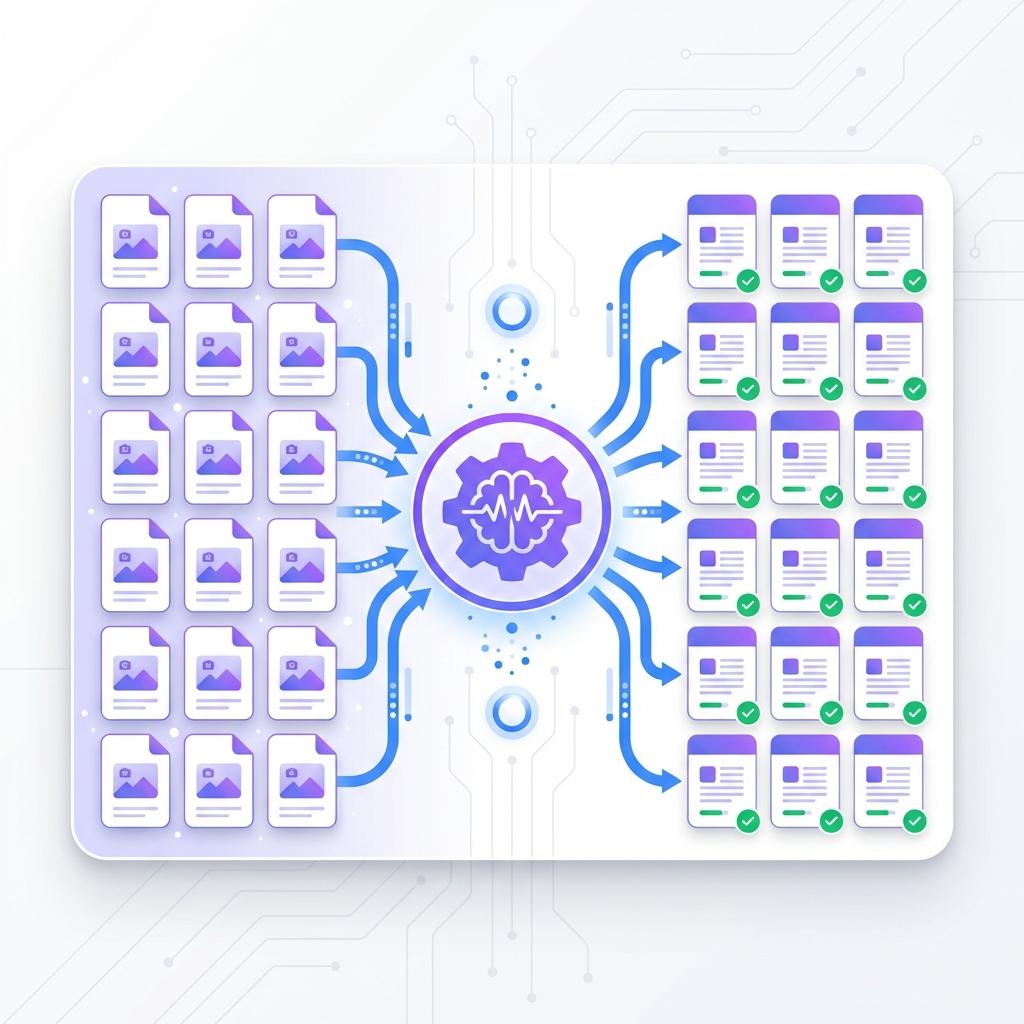
Summarize Up to 20 Images at Once
Got a folder full of images to go through? No problem at all. Instead of uploading and summarizing images one by one, our Image Summarizer lets you process up to 20 images at the same time. This feature is designed for speed, efficiency, and real-world use where bulk content is common.
Whether you're reviewing lecture slides, scanning research material, analyzing screenshots, or organizing visual data for work, batch processing saves you a massive amount of time. You upload everything in one go, click summarize, and let the AI handle the rest. No repetitive clicks. No waiting between uploads.
This is especially useful for students studying multiple slides, professionals reviewing reports, and content creators working with visual references. Instead of breaking your focus, the tool keeps your workflow smooth and uninterrupted.
Batch summarization isn't just about speed — it's about productivity. You get multiple summaries instantly, allowing you to compare, analyze, or organize information without slowing down. Upload once, summarize everything, and move on with your work confidently.
 No Barriers
Summarize Images Even Without Clean Text
Here's the truth most vendors won't tell you — many image summarizers only work when the text is perfectly clear. If the image is blurry, cluttered, or poorly formatted, they fail. Ours doesn't.
Our Image Summarizer is built to handle real-world images, not just clean screenshots. It can accurately read printed text, presentation slides, scanned documents, and even messy visuals with mixed layouts. Whether the image contains charts, small fonts, or uneven spacing, the AI still identifies what matters and extracts meaningful information.
This means you don't have to worry about image quality or formatting. You can summarize screenshots from online courses, photos of notes, research slides, or social media posts without cleaning them up first. The system understands context, filters out noise, and focuses on the important parts.
Instead of struggling to read tiny text or decipher cluttered layouts, you get a clear summary in seconds. No manual editing. No retyping. No wasted time.
With this level of flexibility, you're free to summarize almost any image you come across — quickly, accurately, and without limitations.
 Lightning Speed
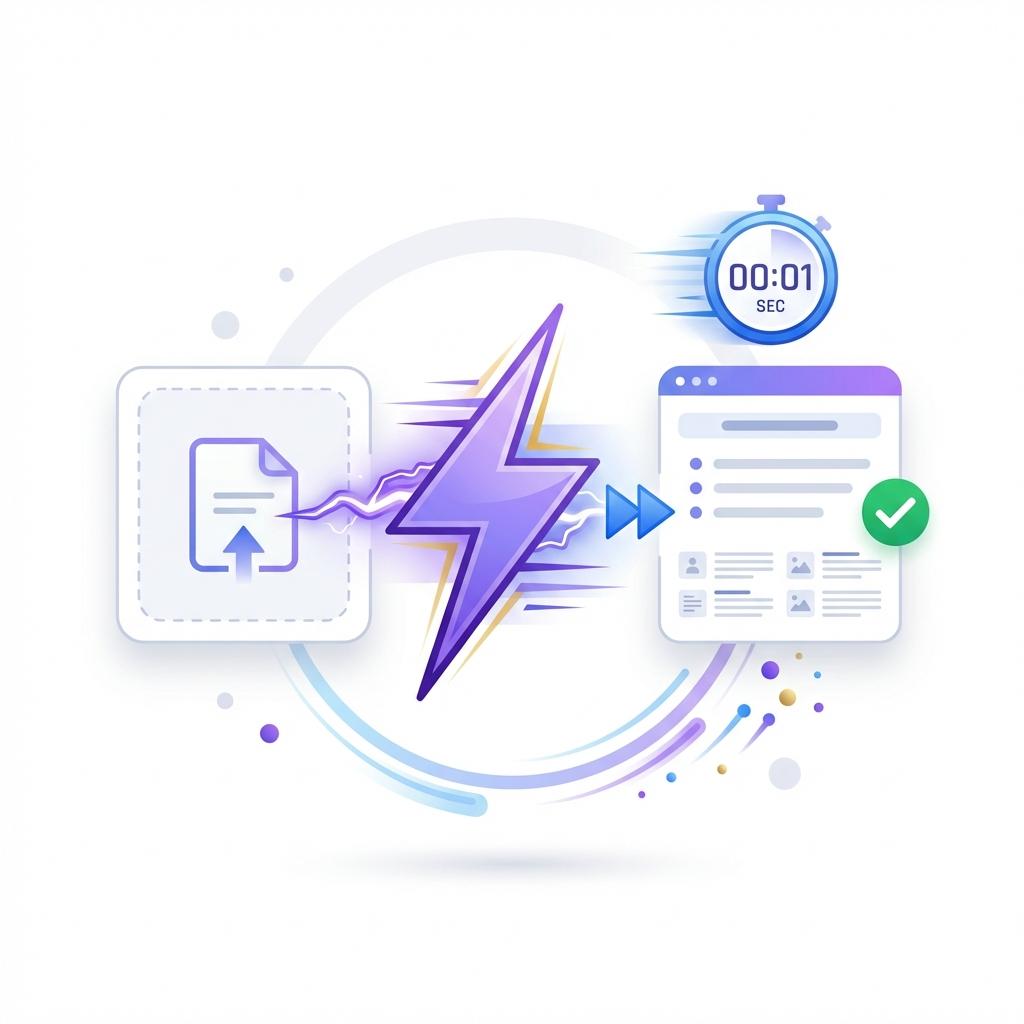
Get Your Image Summary in Seconds
Speed matters, especially when you're working with a lot of information. That's why our Image Summarizer is built to deliver results almost instantly. You don't have to wait through loading screens or processing delays. Just upload your image, click summarize, and your results appear within seconds.
Even when summarizing multiple images at once, performance stays fast and reliable. The system processes visual content efficiently without compromising accuracy or clarity. Whether you're summarizing a single screenshot or an entire batch of images, the experience remains smooth and frustration-free.
This speed makes a real difference in daily workflows. You spend less time waiting and more time understanding the information that matters. It's ideal for tight deadlines, last-minute research, or quick content reviews.
Instead of wasting minutes scanning images manually, you get clean summaries instantly. That time adds up — minutes saved turn into hours over a week. With lightning-fast processing, you stay focused, productive, and always one step ahead.
 Global Access
Translate and Summarize Images in 60+ Languages
Language should never be a barrier to understanding information. That's why our Image Summarizer supports over 60 languages, allowing you to extract and summarize text from images written in almost any language. Whether the content is in Spanish, French, German, Japanese, or another language, the tool automatically detects it and delivers a clear summary in your preferred language.
This makes it incredibly useful for international research, academic studies, and global business analysis. You no longer need to copy text into a separate translator or switch between tools. Everything happens in one place, saving you time and effort.
If you're studying foreign materials, reviewing overseas documents, or analyzing international content, the summarizer ensures nothing gets lost in translation. The AI preserves the original meaning while removing unnecessary details, giving you accurate and readable summaries every time.
It's also perfect for students learning from global resources or professionals working with multilingual data. Instead of struggling with unfamiliar languages, you get instant clarity and insight.
With built-in translation and summarization combined, Image Summarizer helps you understand more, faster—no matter where the content comes from.

What Is an Image Summarizer?
An Image Summarizer is an AI-powered tool designed to extract meaningful text from images and convert it into a clear, easy-to-read summary. Instead of spending time manually reading screenshots, infographics, or scanned documents, you simply upload an image and let the AI handle the rest.
The tool analyzes both the text and the layout within the image to understand what information matters most. It then removes unnecessary details and presents the core points in a clean, readable format. This makes it much easier to understand complex visuals without straining your eyes or wasting time.
Our Image Summarizer works across a wide range of use cases. You can summarize educational materials, business reports, presentation slides, charts, or even handwritten notes. Whether the image contains dense paragraphs or mixed formatting, the AI identifies the important content accurately.
It's especially useful for students, professionals, and researchers who deal with visual information daily. Instead of scrolling, zooming, or re-reading the same content, you get instant clarity.
With just one upload, Image Summarizer transforms visual data into useful insights—making information faster to understand and easier to use.
Why Image Summaries Matter
Most images today are packed with information. Charts, presentations, screenshots, and reports often contain far more text than we actually need. Reading through all of it takes time, effort, and focus—especially when you're just trying to find key points.
That's where image summaries make a real difference. Instead of forcing you to scan every line, summaries remove the noise and highlight only what matters. You get the core ideas without distractions, making information easier to understand and faster to absorb.
This is especially useful when dealing with complex visuals like data charts, study slides, or lengthy documents. A quick summary helps you grasp the message instantly instead of spending minutes or even hours reading everything in detail.
Image summaries also improve retention. When information is presented clearly and concisely, it's easier to remember and apply. You spend less time decoding content and more time using it effectively.
In today's fast-moving world, productivity depends on how quickly you can process information. Image summaries help you stay efficient, focused, and informed—without unnecessary effort. That's how modern learning and work get done.
How Can You Summarize Images Online for Free?
Using our Image Summarizer is incredibly simple, and you don't need any technical skills. If you can upload an image, you can get a clean summary in seconds. Here's the exact step-by-step process.
Step 1: Upload your image. Choose the image you want to summarize and upload it to the tool. We support common formats like JPG, PNG, and WEBP, so you can use screenshots, slides, infographics, scanned pages, or photos of notes.
Step 2: Click "Generate Summary". Once your image is uploaded, hit the Generate Summary button. This starts the summarization process instantly.
Step 3: AI scans and reads the content. Our AI analyzes the text, structure, and layout inside your image. It identifies headings, key points, and important supporting details while ignoring unnecessary filler.
Step 4: Get your summary in seconds. Within moments, you'll see a clear, easy-to-read summary on your screen. No waiting around, and no confusing formatting.
Step 5: Copy, download, or reuse instantly. You can copy the summary into your notes, paste it into a document, download it, or reuse it for study, work, or research. The output stays clean and editable.
Step 6: Summarize more images or use batch mode. Need more summaries? Upload another image right away, or use batch mode to summarize up to 20 images at once.
That's it. No setup, no learning curve, just instant results whenever you need them.
Frequently Asked Questions
What is an Image Summarizer and how does it work?
An Image Summarizer is an AI-powered tool that extracts text from images and converts it into a clear, easy-to-read summary. Instead of manually reading screenshots, charts, or scanned documents, you upload an image and let the system do the work for you.
The tool uses advanced image recognition and language processing to detect text, understand context, and identify the most important information. It then removes unnecessary content and presents only the key ideas in a structured format.
This makes it ideal for summarizing infographics, presentation slides, study notes, reports, and visual content that would otherwise take time to read manually. The process is fast, accurate, and requires no technical knowledge from the user.
What types of images can I summarize?
You can summarize almost any type of image that contains readable text. This includes screenshots, scanned documents, presentation slides, infographics, charts, research material, and even photos of handwritten or printed notes.
The Image Summarizer works especially well with educational content, business reports, lecture slides, and social media visuals that contain dense information. Even images with mixed layouts, multiple sections, or small fonts can be processed accurately.
As long as the text is visible to the human eye, the AI can usually detect and summarize it. You don't need perfectly formatted files or high-resolution images for it to work properly.
Does Image Summarizer work with blurry or low-quality images?
Yes, to a large extent. The tool is designed to handle real-world images, not just perfectly scanned documents. It can read slightly blurry images, screenshots with compression, and photos taken from mobile devices.
That said, extremely low-quality or unreadable images may affect accuracy. If text is completely distorted or missing, the AI won't be able to extract meaningful information. For the best results, make sure the text is visible and not heavily obstructed.
Even with imperfect images, the summarizer often performs better than manual reading by filtering out noise and focusing only on readable content.
Can I summarize images written in other languages?
Yes. The Image Summarizer supports over 60 languages, making it perfect for international users. You can upload images in languages such as Spanish, French, German, Japanese, Chinese, and many more.
The tool automatically detects the language, extracts the content, and provides a summary in English or your preferred language. This removes the need to use separate translation tools.
It's especially useful for students, researchers, and professionals who work with foreign-language materials or global documents.
Is there a limit to how many images I can summarize?
You can summarize multiple images without any strict limits. The tool also supports batch processing, allowing you to upload and summarize up to 20 images at once.
This feature is ideal for people working with large sets of visual data, such as students reviewing slides, analysts examining reports, or creators organizing visual research.
There's no need to summarize one image at a time. You can process everything in one go and save hours of manual work.
How accurate are image summaries?
The summaries are highly accurate for most types of content. The AI analyzes both the structure and meaning of the text to extract only the most relevant points.
It does not simply copy text—it understands context and condenses information in a readable format. For educational, professional, and informational content, accuracy is typically very high.
For highly technical or specialized material, it's always a good idea to do a quick review. However, in most cases, the summary captures exactly what you need without missing important details.
Can I use Image Summarizer for studying or research?
Absolutely. This is one of the most common use cases. Students use it to summarize lecture slides, textbook pages, and study materials. Researchers use it to scan charts, reports, and visual data quickly.
Instead of spending hours reading dense material, you can extract the main ideas in seconds. This helps improve understanding, speed up revision, and reduce information overload.
It's especially helpful for exam preparation, academic research, and note-taking.
Does the tool work on mobile devices?
Yes. The Image Summarizer works perfectly on mobile phones and tablets. You don't need to download any app or install anything.
Simply open the tool in your mobile browser, upload an image from your phone, and generate a summary instantly. The interface automatically adjusts to smaller screens, making it easy to use on the go.
This makes it ideal for students, professionals, and anyone who needs quick summaries while away from their computer.
Can I save or export the summarized content?
Yes, you can copy, download, or reuse the summary however you want. Once the summary is generated, it's fully editable and free to use for personal, academic, or professional purposes.
You can paste it into documents, save it for later, or use it as a reference for research or presentations. There are no restrictions on how you use the summarized text.
Is my data safe when using the Image Summarizer?
Yes. Your privacy is respected. Uploaded images are processed securely and are not stored permanently. Once the summarization process is complete, the data is not retained.
This ensures your documents, notes, and images remain private. You can confidently use the tool for personal, academic, or professional content without worrying about data misuse.
How is this different from OCR tools?
OCR tools simply extract raw text from images. They don't summarize, analyze, or organize the information.
An Image Summarizer goes several steps further. It reads the text, understands context, identifies important points, and delivers a meaningful summary. Instead of dumping raw text, it gives you clarity.
This saves time and eliminates the need to manually clean or interpret extracted content.
Who should use an Image Summarizer?
The Image Summarizer is useful for a wide range of users, including:
- Students reviewing slides or study materials
- Professionals analyzing reports or presentations
- Researchers working with visual data
- Content creators organizing references
- Anyone who wants faster access to information
If you work with images that contain text, this tool can significantly improve your workflow.